HD Video Surveillance Systems
in Orange County

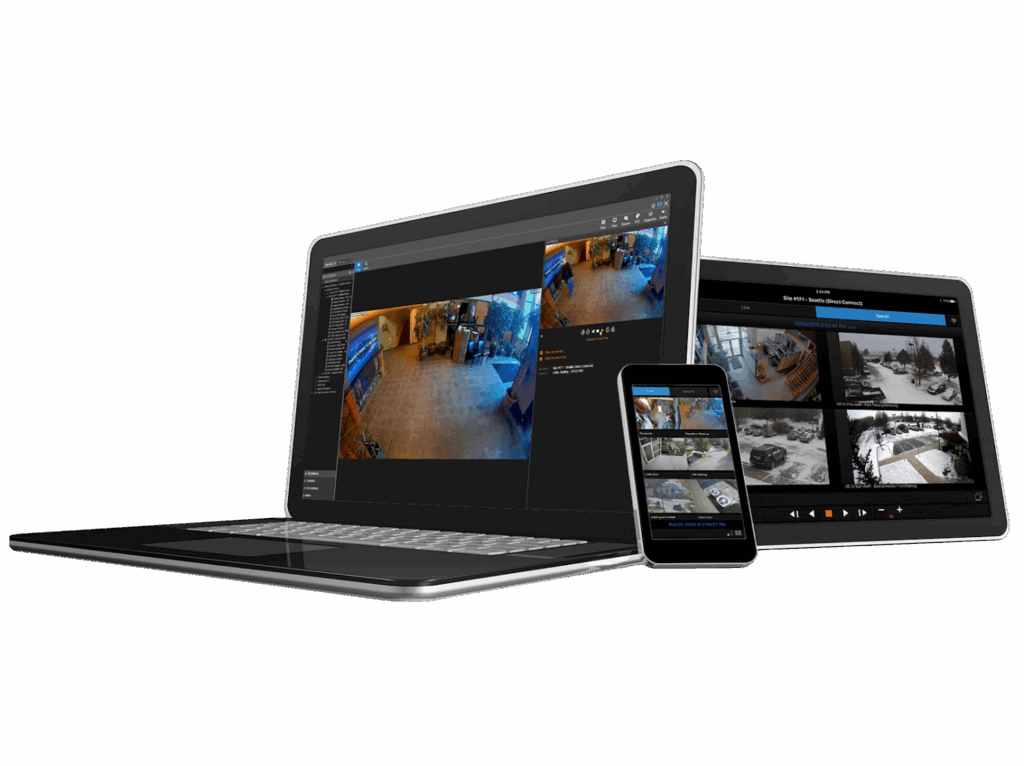
Epic Alarm’s cloud-managed video surveillance combines cloud storage, 24/7 health monitoring, and intelligent analytics to ensure footage is available when you need it most and can be easily found and shared.

A business
surveillance solution for any application

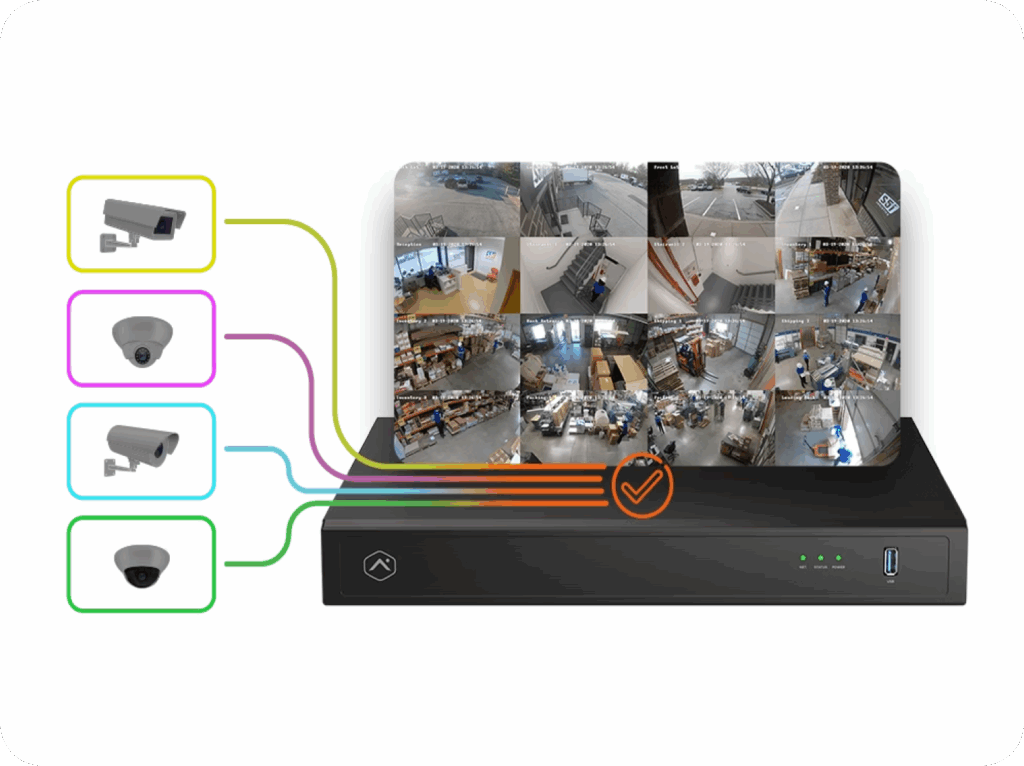
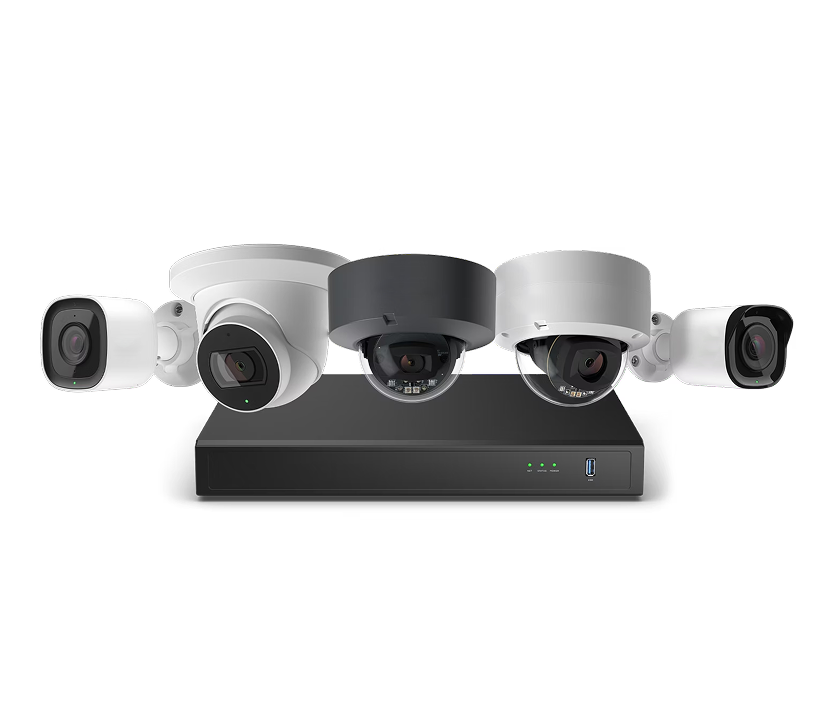
With a full suite of NDAA-compliant ,* commercial-grade camera options, businesses of any size can enjoy features and options such as varifocal lenses, 24/7 onboard or SVR recording, and exclusive software that turns these cameras into critical business tools. Looking to connect an existing video setup? Seamlessly integrate cameras that use ONVIF and VAPIX by Axis with the Epic Alarm system using the Pro Series CSVR.
Depend on the newest
camera technology

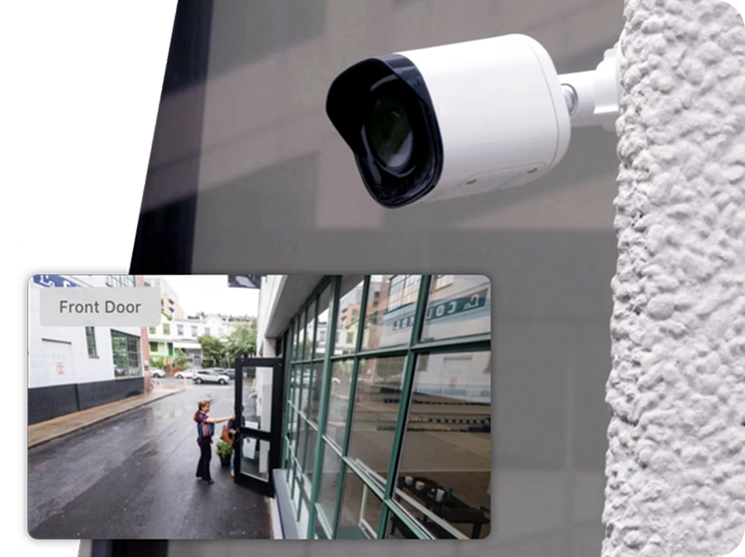
Reliably monitor your business at all times with our new NDAA compliant* Pro Series cameras. These state of the art cameras can improve your business operations with a wide range of intelligent features, including: 4MP HDR video, IR night vision, access to Business Activity Analytics and much more.

Track customer flow
through your business

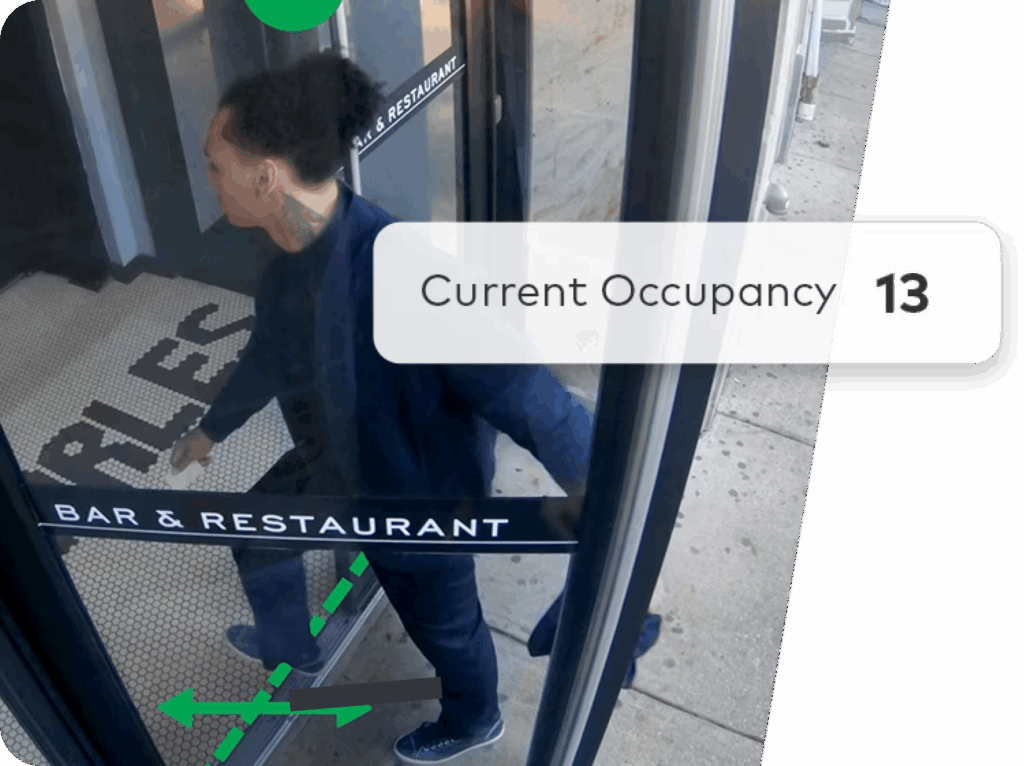
Business Activity Analytics is a better way to manage your business and protect your customers using your security cameras. Uncover actionable business insights that help manage customer flow, make informed decisions and optimize operations.

Proactively deter
potential intruders

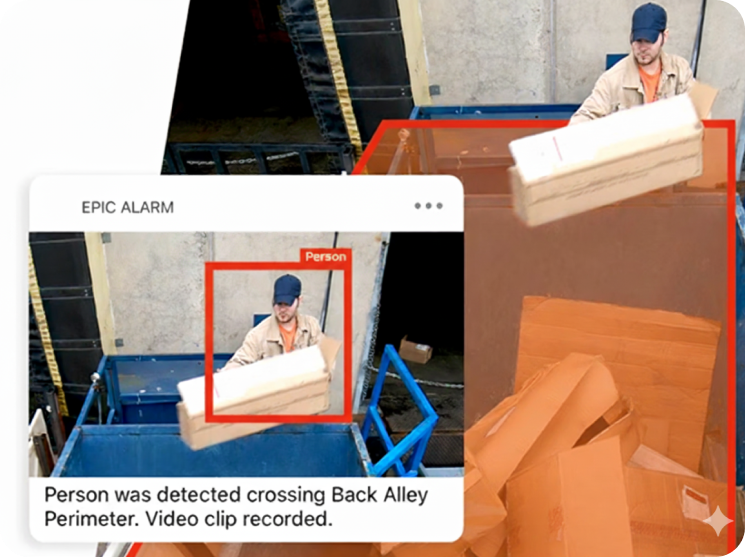
Accurately detect people and vehicles entering your property while ignoring unimportant motion like rain or shadows. Receive real-time alerts about after-hours access attempts or unexpected guests in prohibited areas, and stop intruders in their tracks with Perimeter Guard™ proactive defense.

Seven months after Epic installed at one Orange County business, the thieves came back — and this time they were caught. Read what happened →

Find video that matters

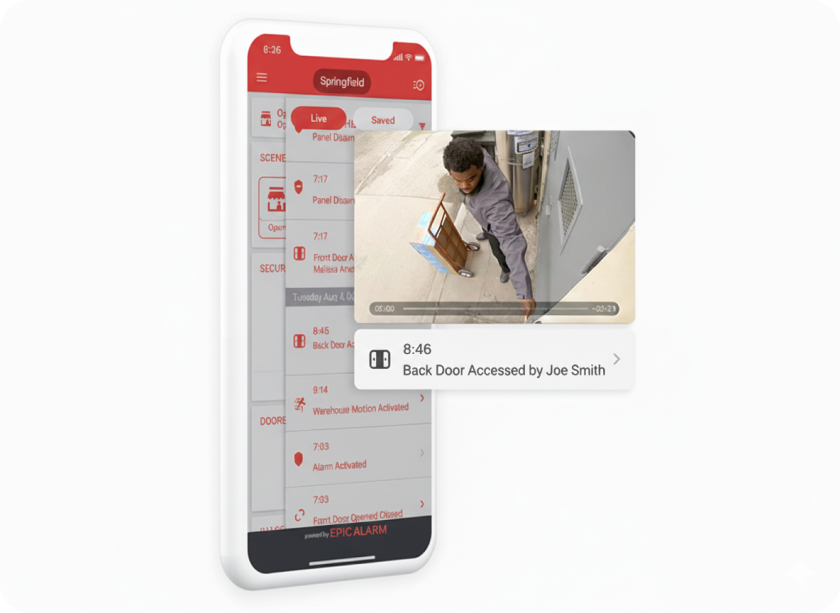
Instead of manually searching through hours of footage, search for important events. Then, jump straight to corresponding footage on your 24/7 video timeline.

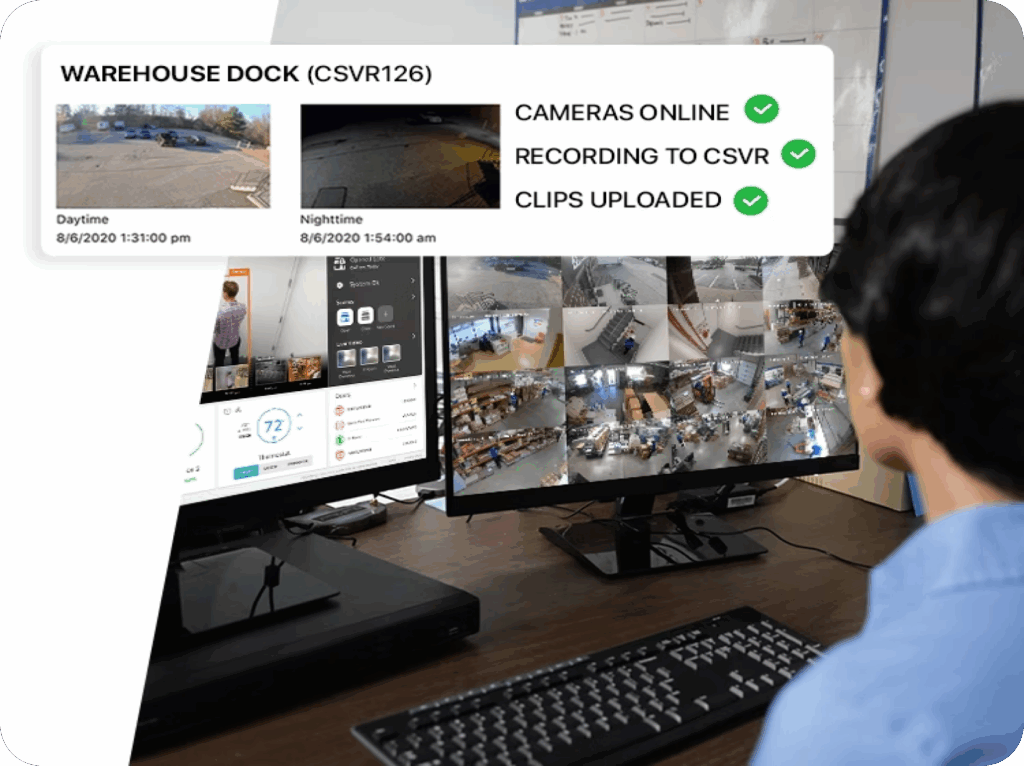
24/7 Video Health
Monitoring

Get instant awareness of what’s happening at any door. Our video doorbells will notify you before a visitor rings your bell. You can even unlock the door, disarm the system, and talk to your visitor from the doorbell call screen.

OpenEye
Cloud Connect

OpenEye Cloud Connect is a cloud-based video management platform designed for commercial properties. Through our partnership, it seamlessly integrates Epic Alarm access control and intrusion systems with OpenEye video, enabling users to easily move between interfaces and sync event data.

Third party
camera support

Did you know you can integrate third- party cameras with your Epic Alarm for Business account? This means you can install or use existing cameras while still getting the benefit and capabilities of the Epic Alarm platform. Cameras using ONVIF and VAPIX by Axis will allow for seamless integrations with the Pro Series CSVR.

Multiple locations.
One view.

Learn more about how our Enterprise dashboard makes it easy to scale the energy- saving benefits of Epic Alarm across tens, hundreds or thousands of business locations.

The all-in-one solution for intrusion detection, access, video and more.

Epic Alarm essential systems communicate and work together, resulting in more insight and control with less onsite infrastructure to maintain. Our cloud-based technology and intuitive interfaces make managing your business easier and smarter.
Intrusion
Access
Energy Management
Multi-Location
Insights
Mobile App
Connected Fleet

Reach Us

Phone

1.888.969.EPIC (3742)

Email

success@epicalarm.com

Request A
Quote Today

Getting started is simple. Answer a few quick questions and we’ll give you a straightforward, honest quote.

Frequently Asked Questions

The questions we actually get asked about cameras and video. For pricing, scheduling and general enquiries, see our general FAQ.

What does video analytics actually detect?

It scans continuously and tells the difference between a person, a vehicle and an animal, rather than alerting on every change of light. You can build rules on top of that: someone crossing a boundary, a vehicle arriving or leaving, or a person loitering on the property. That last one is the useful part for most sites, because a person who stays put is a different problem from a person walking past. See how to configure a video analytics rule.

It depends on how the system is built. Cameras with onboard recording keep footage locally on a card in the camera and you review it through the Smart View timeline, which only appears once a recording schedule exists on at least one camera. Larger sites use a recorder instead, with cameras associated to it. We will tell you which one you are getting and why. See viewing onboard recorded video and associating a camera to a recorder.

Usually the network did, not the camera. Switching internet provider, replacing a modem, router or switch, the provider merging with another, or simply having the IP address on your modem reset will all break remote viewing while the cameras themselves carry on fine. It is one of the most common calls we get. See my camera system stopped working on my mobile app.

Usually not. A new router or a changed network name or password means the camera has to be pointed at the new network, but there are several ways to do that without deleting the camera or factory resetting it, including the WPS button on the router. See reconnecting a camera after a router or Wi-Fi change.

The LED is a real diagnostic rather than decoration. Solid red means the camera is powering up or has lost the network. Blinking white means it is in access point mode and waiting to be set up. Knowing which one you are looking at often tells us the answer before anyone is sent out. The full table is in what your camera LED means.

Yes. The length of a camera triggered clip is a setting rather than a fixed limit, and the file format for clips you download can be changed as well. Both are worth setting deliberately if you are ever going to hand footage to anyone. See adjusting clip length and changing the download file format.

It lets someone look at what actually triggered the alarm before anyone decides to call the police. That matters more than it sounds: most Orange County cities allow only a small number of false alarms before they start charging, and several will stop responding to an address entirely once the count runs up. Verifying visually is the most reliable way to keep that count at zero. Your city page has the local thresholds.

Yes. The call volume on the video doorbell is adjustable, and the motion recording rule behind it can be edited so it is not recording every passing car. Both are common requests after the first week of ownership. See adjusting doorbell call volume and editing a doorbell motion recording rule.

As a general guide, camera systems carry three years on parts and six months on labour, which is longer on parts than the alarm side. An optional extended service plan is available too. Your own agreement is the authority, so check that if you are unsure. See how long your system is under warranty.

Recording and remote viewing are not the same thing. Footage being written locally carries on; what stops is anything that has to leave the building, including live viewing from your phone. If continuity of remote access genuinely matters at your site, say so early, because it changes what we install rather than how we configure it. For alarm signalling specifically, see our monitoring page.

What our clients
say about us

Overall Rating

4.0

(51)

Live safe. Live Well

Experience the confidence of total protection with customized, professionally installed security and a home that works intuitively to keep you safe and well. You can start small, or start with it all.

Request A
Quote Today

Getting started is simple. Answer a few quick questions and we’ll give you a straightforward, honest quote.

Quote Request
Scroll to Top