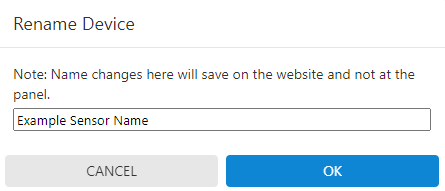
Sensor names can be managed remotely using the Alarm.com app or Alarm.com customer website.
To change a sensor name using the Alarm.com app: #
1. Log into the Alarm.com app.
2. Tap  .
.
3. Tap Manage Devices.
4. Tap  next to the device to rename.
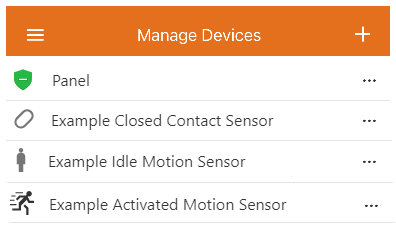
5. Tap Rename Device.
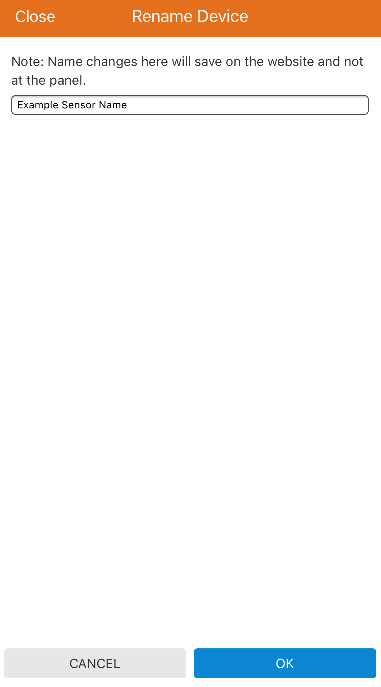
6. Enter the desired name for the sensor.
7. Tap OK.
To change a sensor name using the Alarm.com customer website: #
1. Log into the Alarm.com customer website.
2. Click Settings.
3. Click Manage Devices.
4. Click next to the device to rename. 
5. Click Rename Device.
6. Enter the desired name for the sensor.
7. Click OK.