
Access Manage Devices
Note: Equipment must be supported on the service package to display in Manage Devices on the Alarm.com app and Alarm.com customer website.
To manage devices using the Alarm.com app: #
Important: The Alarm.com app version must be 4.17.1 or higher for iOS and 4.15.2 or higher for Android to access the Manage Devices page.
- Log into the Alarm.com app.
- Tap .
- Tap Manage Devices.
- Find the desired device to manage.
- To access additional settings, tap .
For more information about a specific feature of Manage Devices, see any of the following sections.
To manage devices using the Alarm.com customer website: #
- Log into the Alarm.com customer website.
- Click Manage Devices.

Find the desired device to manage.
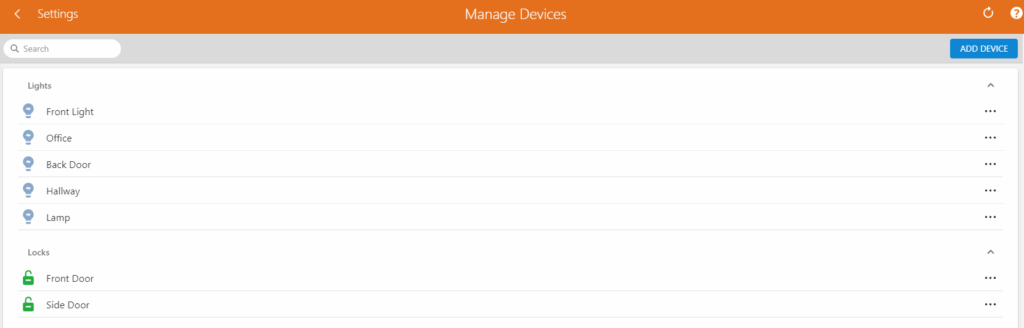
To access additional settings, click.


